




Music
The complete track, vocals included, to play and download.
- File
- MP3
- Lyrics
- Yours, or written by the AI
- Vocals
- Sung or instrumental
- Languages
- French, English
AI music, Canvas and cover
Find the idea for your first track, put it out and find your first listeners
Illustration
The tools behind it
Spotify, Supabase, Stripe, GitHub, Next.js, Mureka, Seedance.
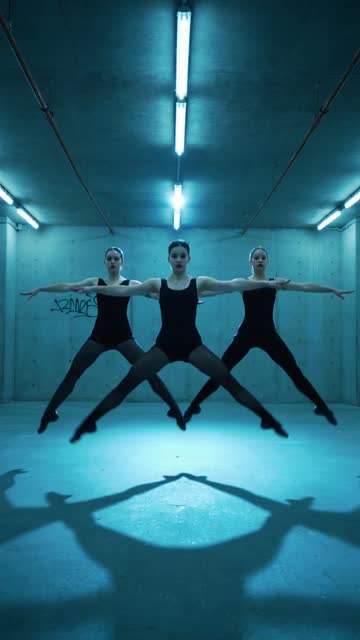
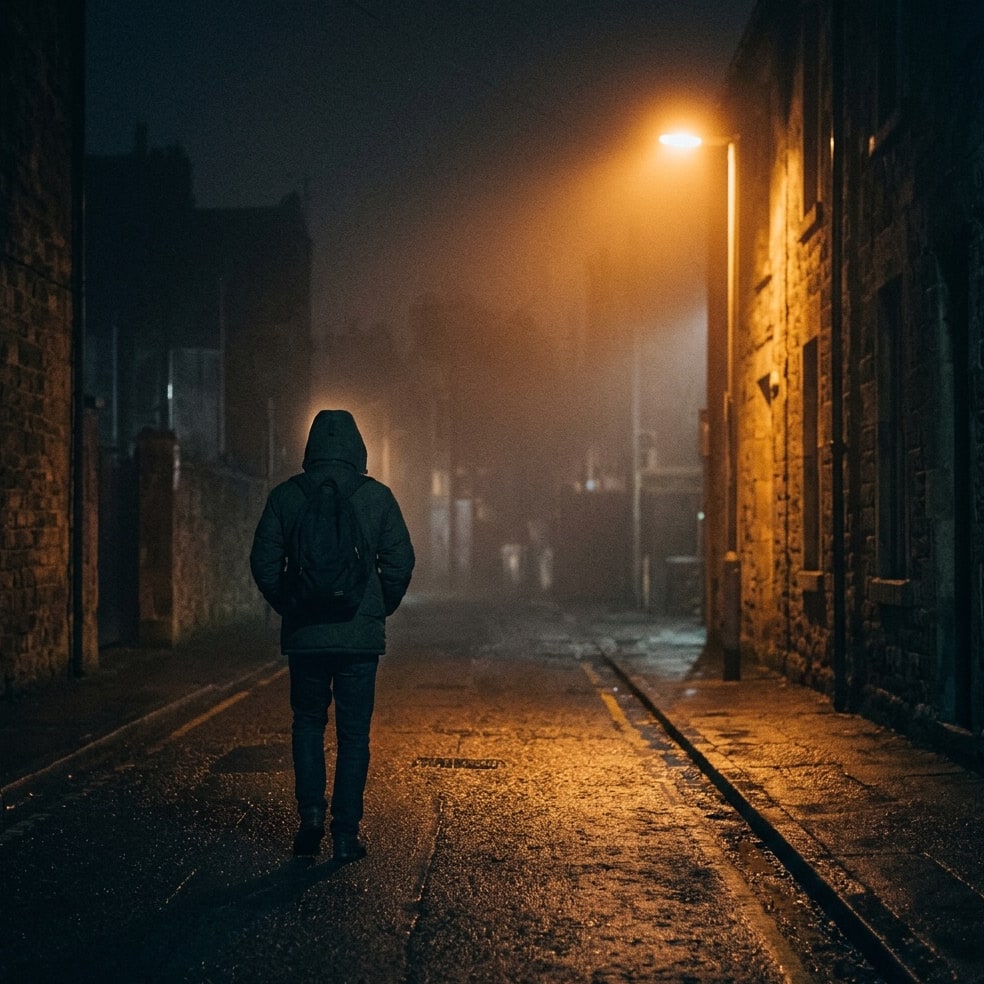
Real prompts, real Canvases. The same prompt also gives you the music and the cover.
Your prompt
Night tunnel, a run of lamps, one headlight far off
Your Canvas

Track title
Artist name
No studio, no designer, no editor. And no more weeks lost between two releases.
One sentence is enough: the story, the feeling, the style. Add your lyrics if you have them, or the AI writes them.
The music, the Canvas and the cover, in the same world. Don't like one part? Redo just that one.
Send everything to your distributor. Every release adds plays to your page: the rhythm does the rest.
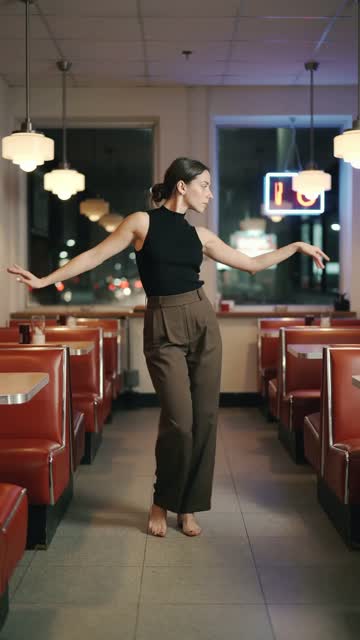
A sample of what comes out of the studio. A page where every track has its Canvas makes people want to play the next one.



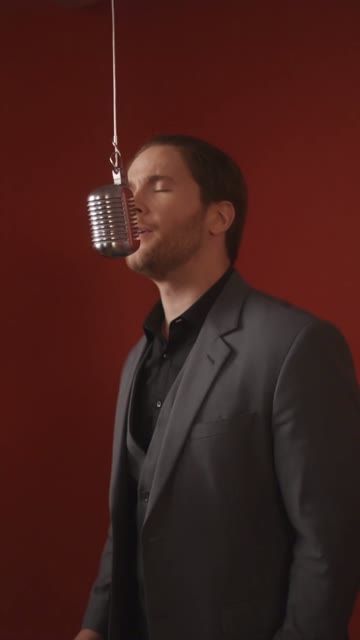




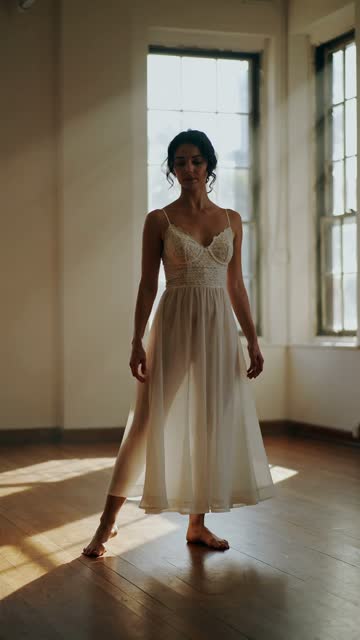


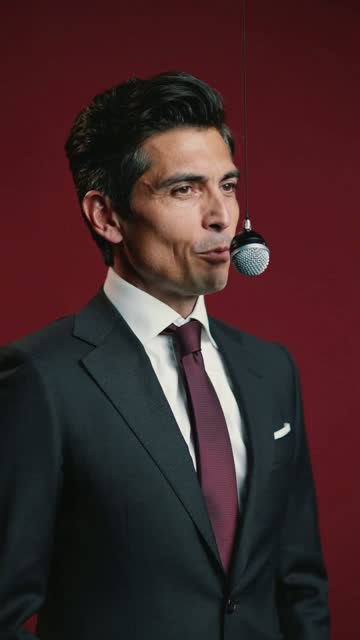

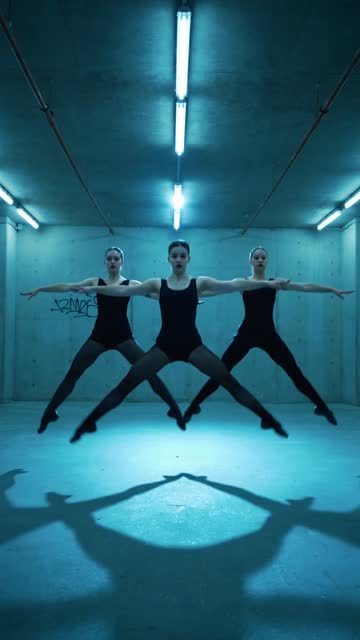


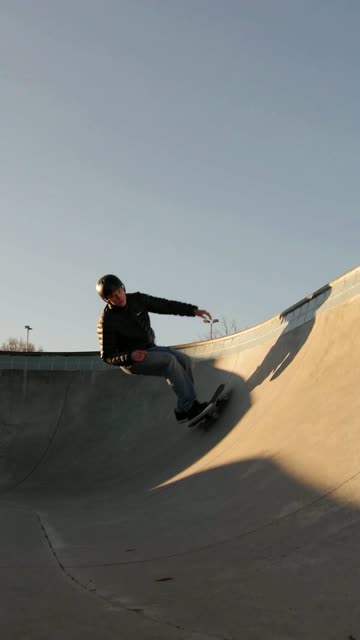

The same world, square, at 3000 px as Spotify recommends. In a pack, you can even have your title written on it.
Rap

Afro

Lo-fi
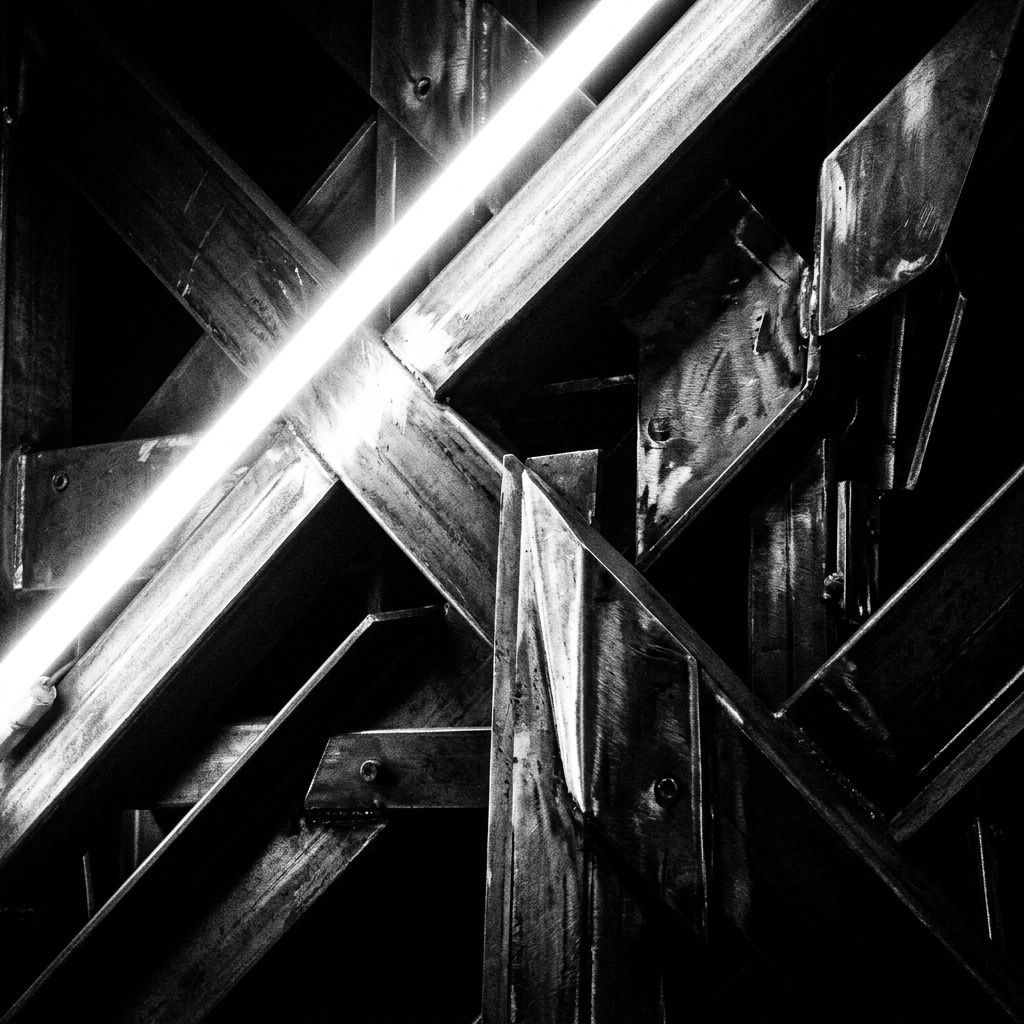
Techno
What your distributor and Spotify expect, at the right dimensions.
The complete track, vocals included, to play and download.
The video that plays behind your music while people listen.
The square cover to send your distributor.
Release a track a week instead of one a quarter. The pack does the heavy lifting, you choose.
Your music, your Canvas and your cover with no studio, no designer, no editor, and no quote to wait for.
Turn your ideas into finished tracks, with a visual identity held across the whole catalogue.
+145 %
That's the figure published by Spotify for Artists. A shared track reaches people who didn't know you yet: that's how a page grows.
Every track is one more way into your page, and one more shot at a playlist.
Your catalogue keeps getting played between releases: it works even when you're not publishing.
Every play over 30 seconds is paid, roughly €0.003 to €0.005 depending on the country and the distributor. Volume is what makes the difference.
No tool can promise a number of streams. What beStreamed changes is your rhythm: a complete track — music, Canvas and cover — in minutes instead of days. More releases mean more ways into your page, more shots at a playlist, and a catalogue that keeps getting played between releases.
The track as an MP3; the Canvas, a vertical video of a few seconds on a loop, to Spotify's specs; and the square cover at 3000 px. All in the same world, downloadable in one click with the lyrics.
Like any other track: through a distributor — DistroKid, TuneCore, Spinnup… — that you send the music and the cover to. The Canvas is added afterwards from Spotify for Artists. Some distributors ask you to state that a track was made with AI: remember to declare it.
No. You describe your track in one sentence. The lyrics, composition, vocals, framing and formats are generated for you, and you can redo each part until it sounds like you.
Yes. The pack brings all three together, but each part also has its own studio: Music, Canvas and Cover. And in a pack, you redo one part without touching the other two.
A short vertical video, silent, that loops behind the cover while the track plays in the mobile app. It replaces the still image and repeats for as long as the track is playing.
Answer a few questions: we work out what your releases can do for your page, and your first track is waiting.
Create my first track